In-Store Mobile App
My roles:
UI/UX/Motion Designer
Product Designer
UX Researcher
Prototyping
Interaction Designer
Case Study:


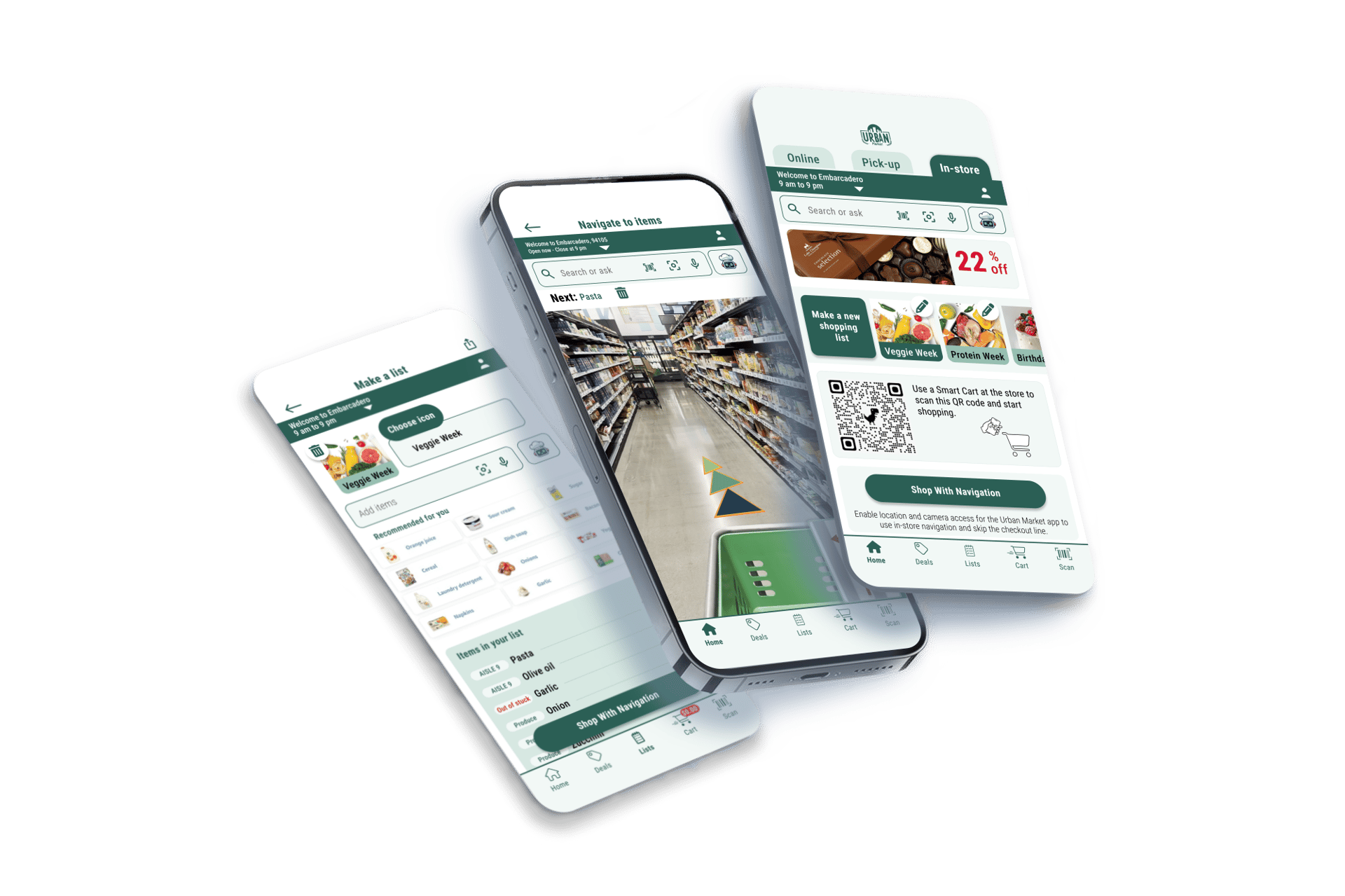
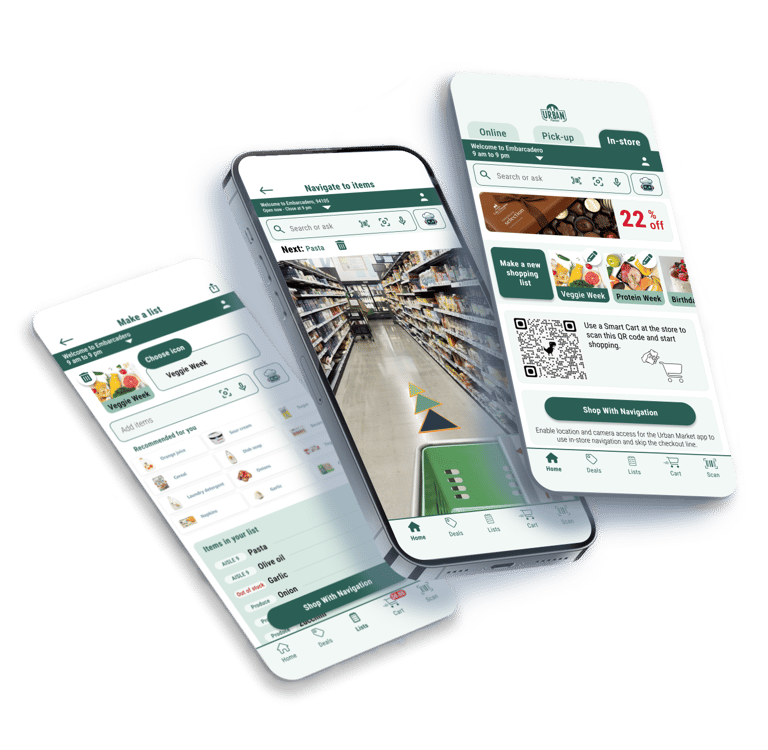
Urban Market Grocery Store - Personal Project
Duration:
3 months


Overview




Problems
Solutions
Timely shopping list creation and population
Locating items
Long checkout lines
Boring process for younger generations
Typical, unrelated offered deals
AR navigation guide
AI-powered personalized deals
Multi-modal search and AI assistant
App-based self-checkout
AR glasses experience


Empathize
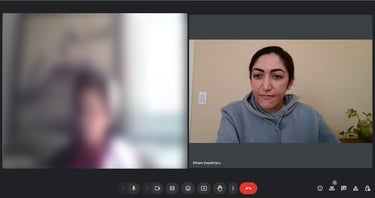
Conducted interviews with 10 SF-based in-store shoppers
Users Problems:
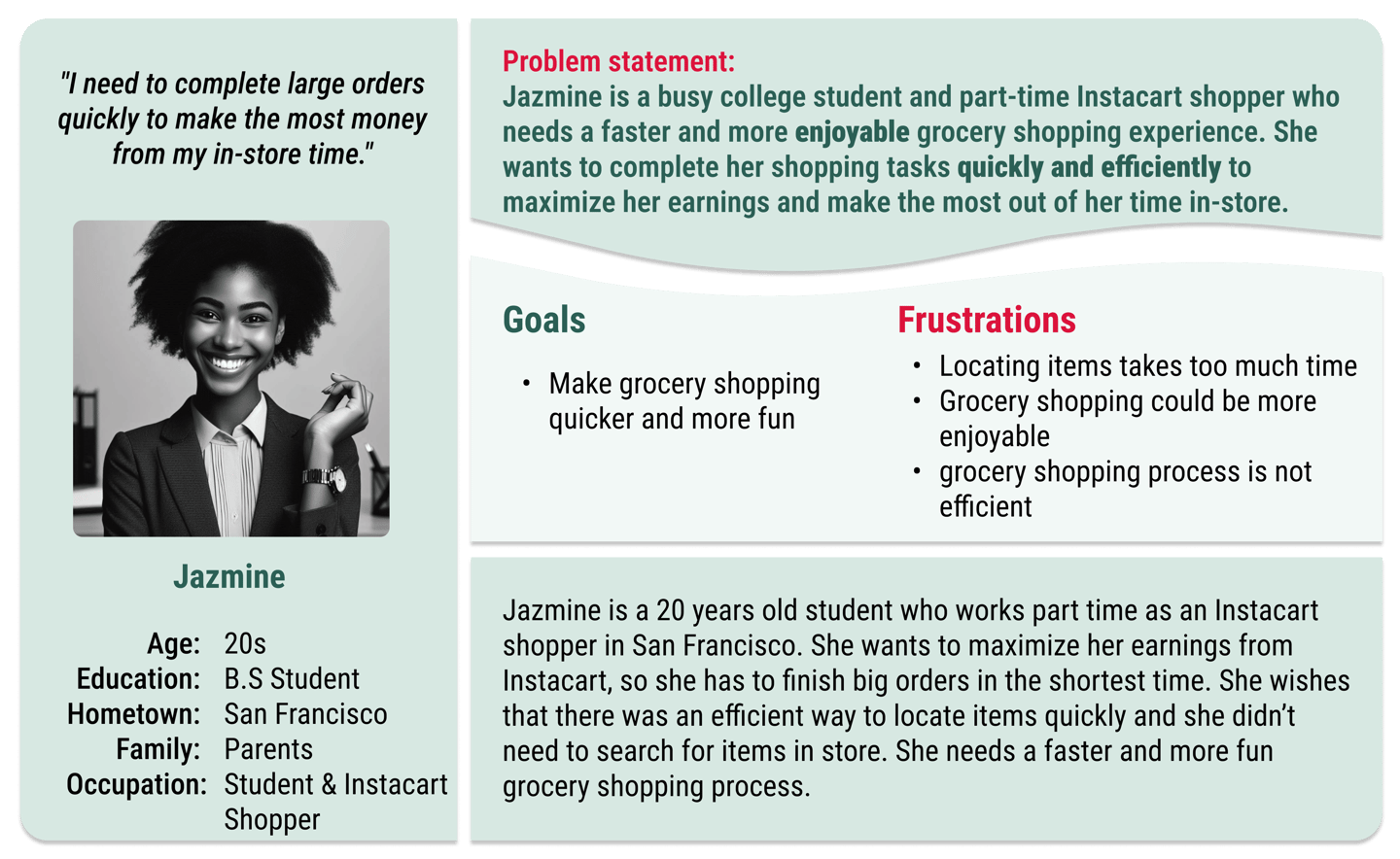
Frustration with locating items
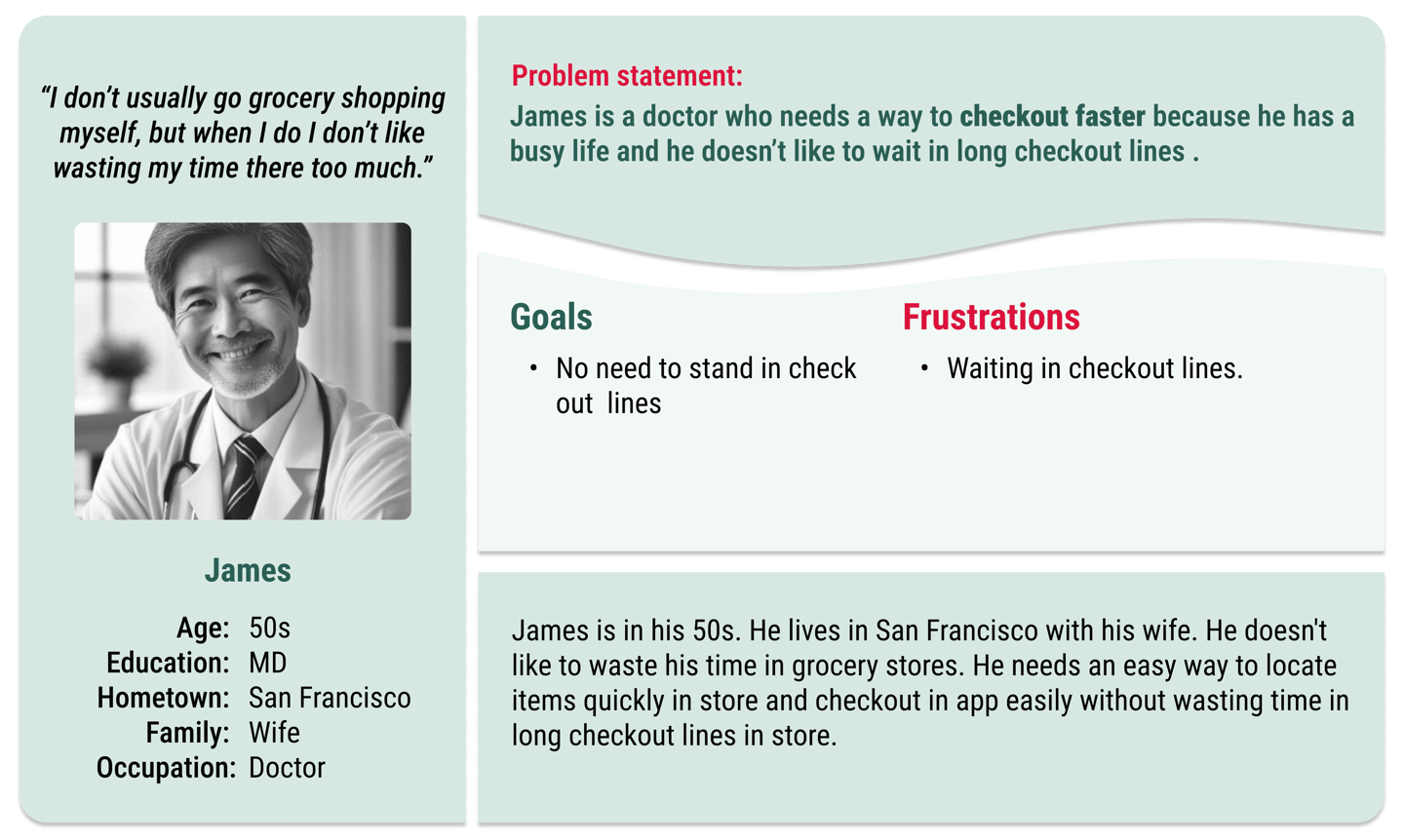
Long checkout lines
Lack of inspiration for healthy meals
Grocery shopping is boring and time-consuming
Business Objectives:
Increase user satisfaction, user engagement, and revenue
Reduce operational costs & checkout time
Goals:
Users can locate items easily
Efficient shopping process
Personalized services & deals









How might we help customers locate items more quickly to save time during their shopping trip?
How might we streamline the checkout process for shoppers so they can have a faster and smoother experience?
Define
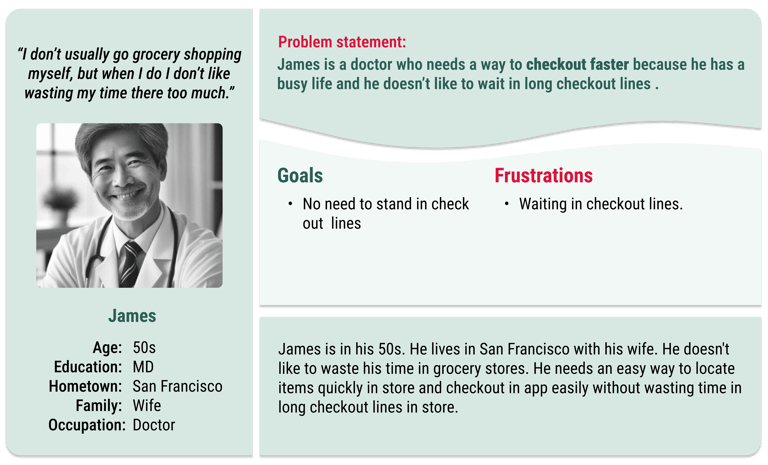




Competitive Audit:
Walmart, Target, Erewhon, Amazon Fresh, The Market
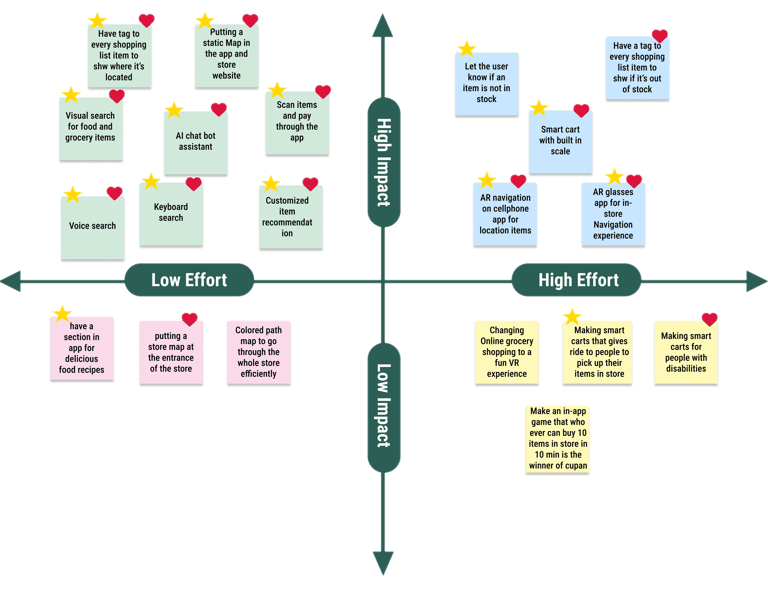
Brainstormed Solutions:
AI-assisted shopping list management
AR navigation
App-based scanning items and checkout
Visual/Voice search
Smart cart integration
Prioritized features using the Impact/Effort matrix


Ideation


User Journey Mapping:
Identified key touchpoints & pain points
User Flows & Storyboards:
Visualized task flows (locating, scanning items, & checking out)
Wireframes:
Low-fidelity sketches of different versions of key screens
Low-Fidelity Prototype:
Visualized core user flows, including shopping list creation, in-store navigation, and checkout.



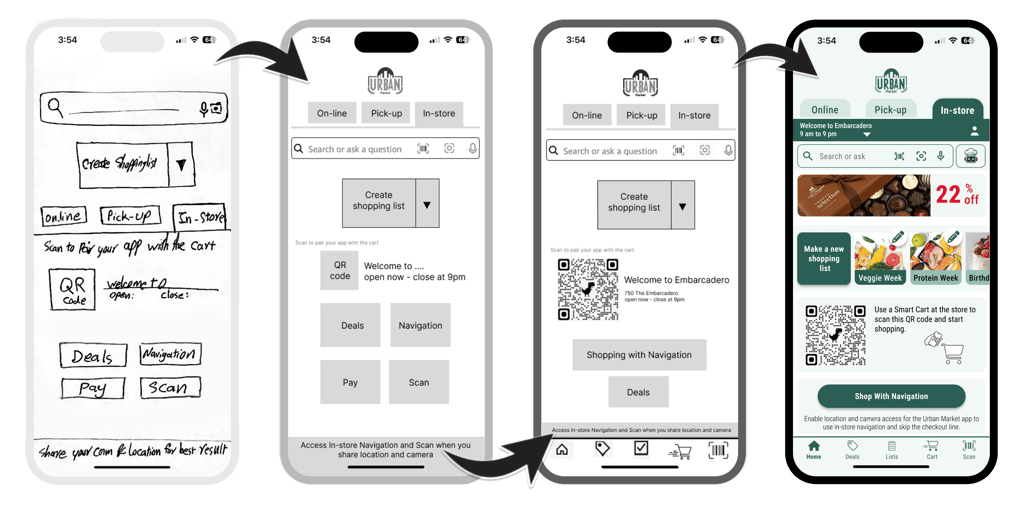
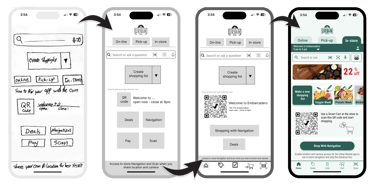
Homepage Evolution
Design


Design System:
Created UI components ensuring consistency, brand conformity, and accessibility.
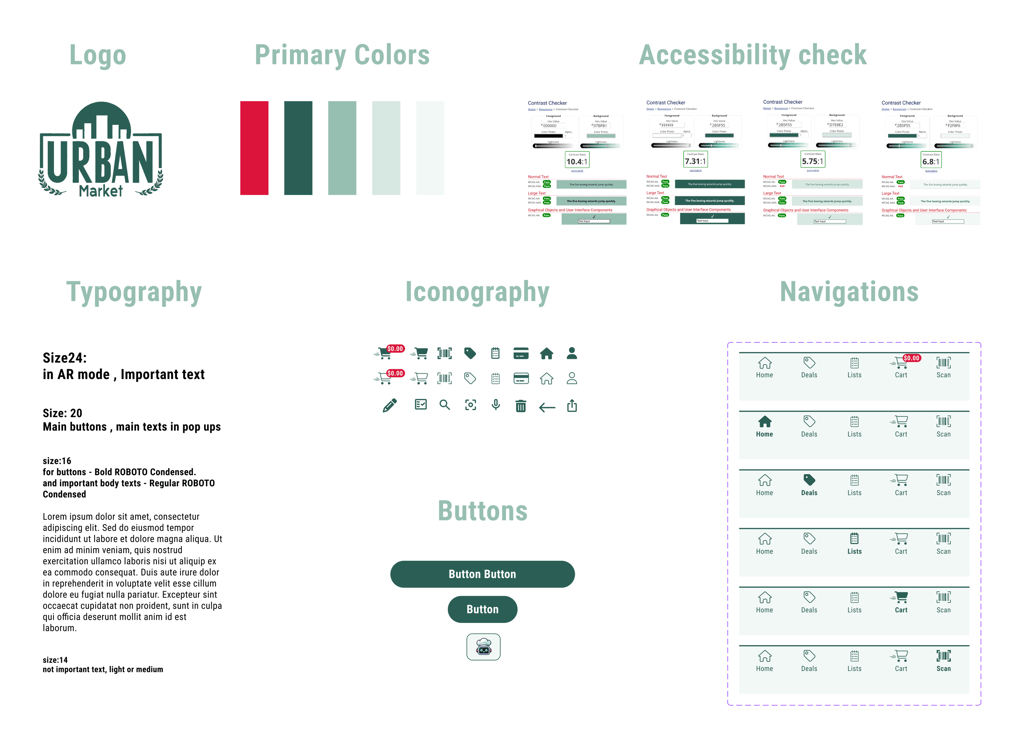


Design
Homepage
ChefBot voice mode
ChefBot chat mode
Search result
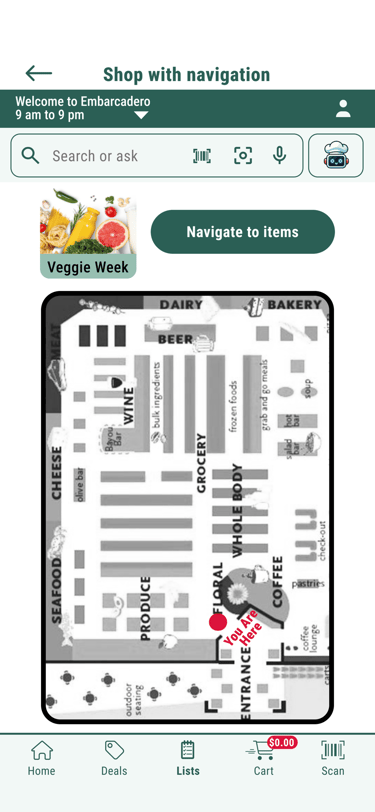
Shop with navigation
Cart
Mockup Samples:
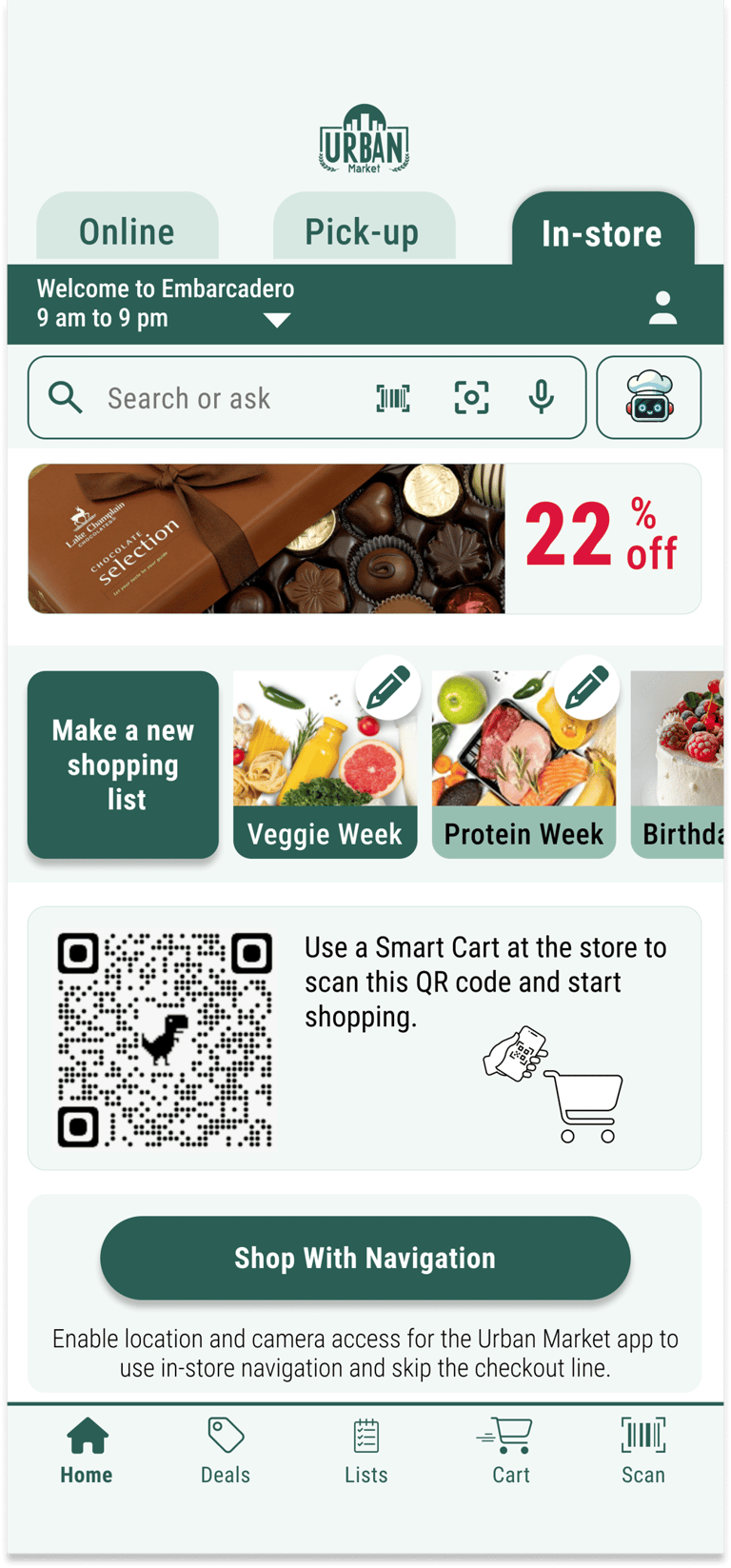
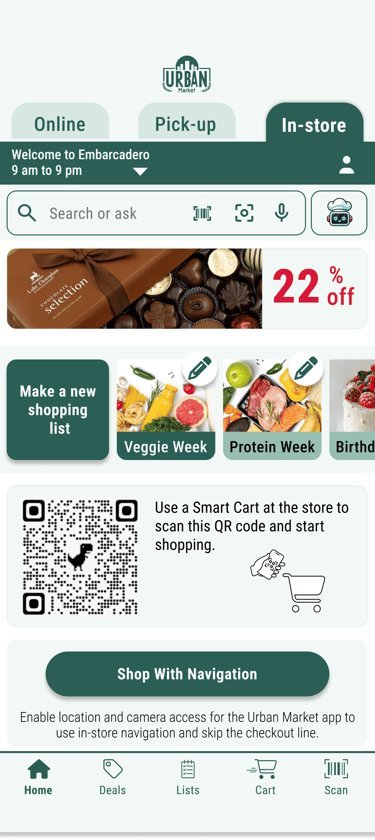
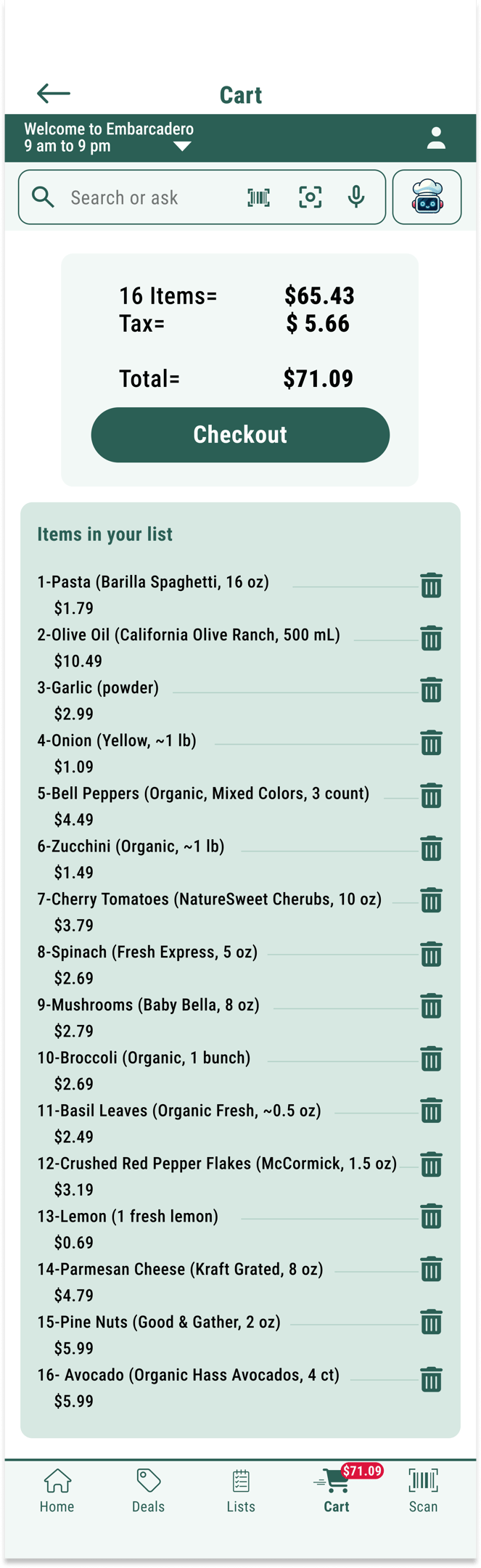
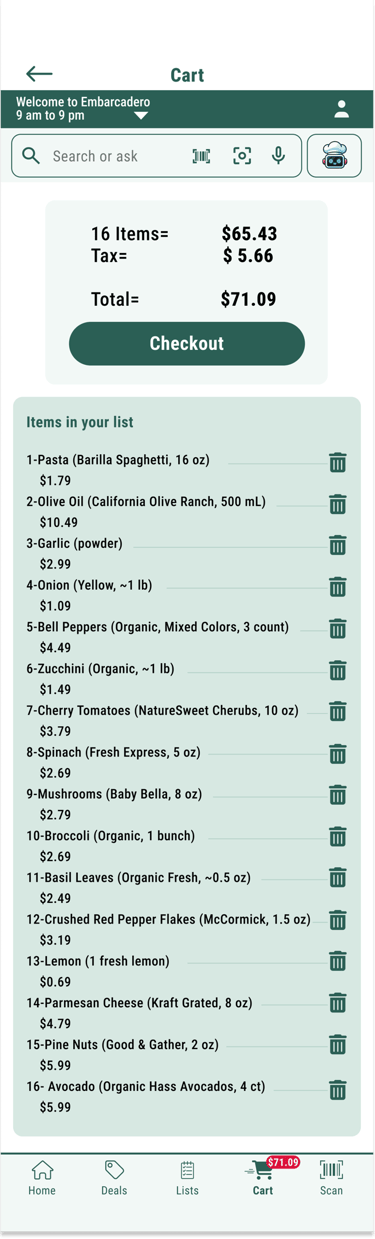
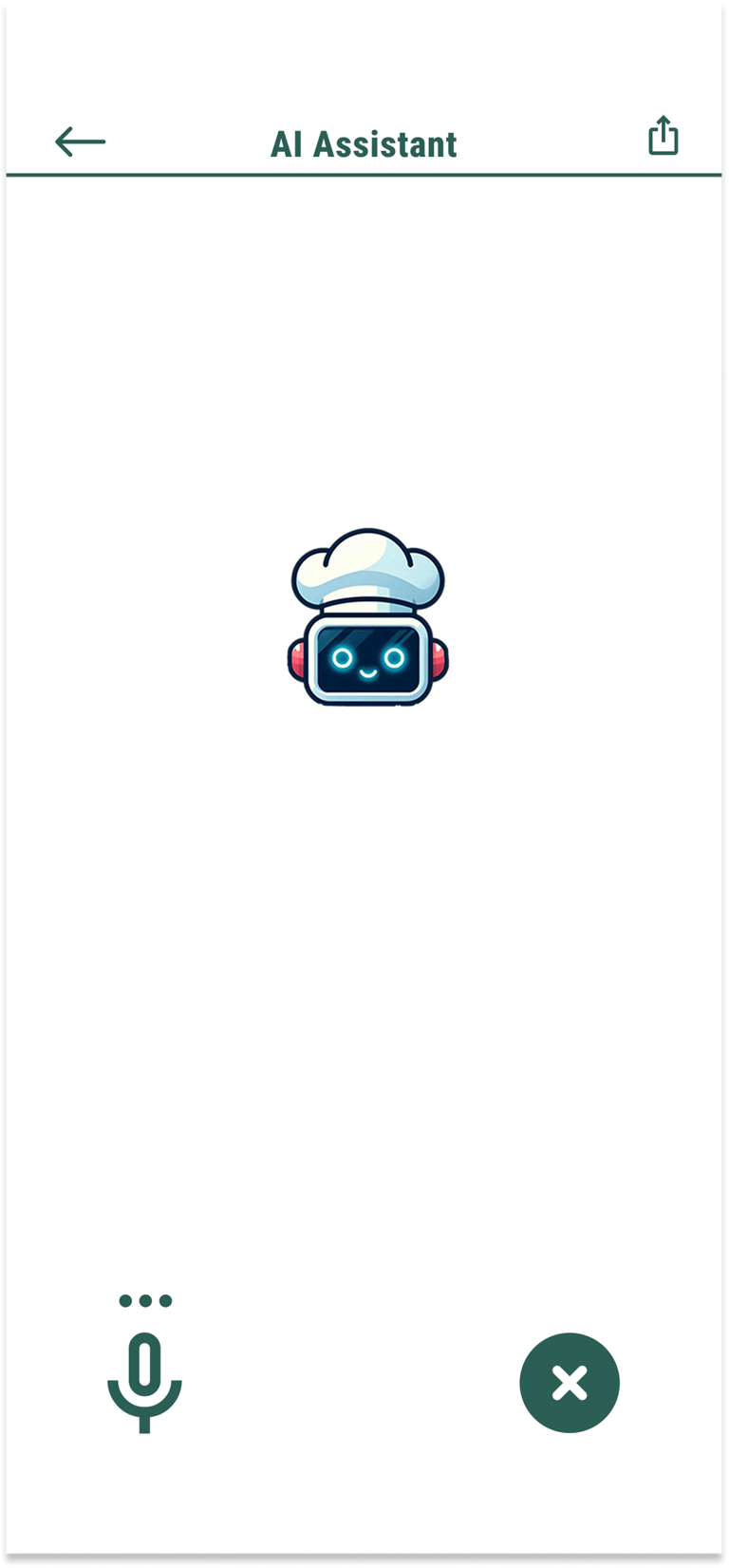
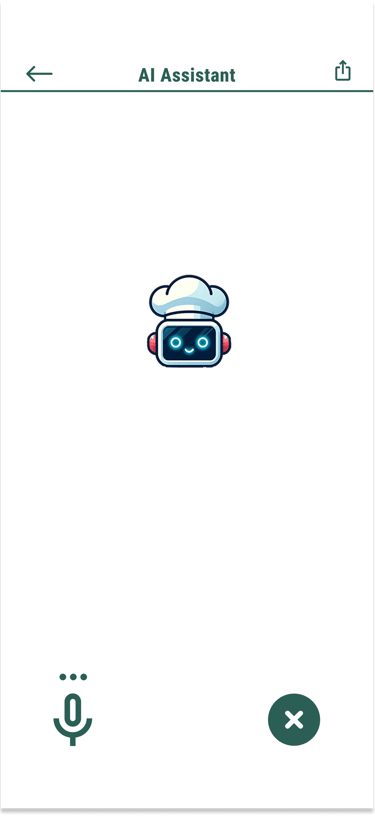
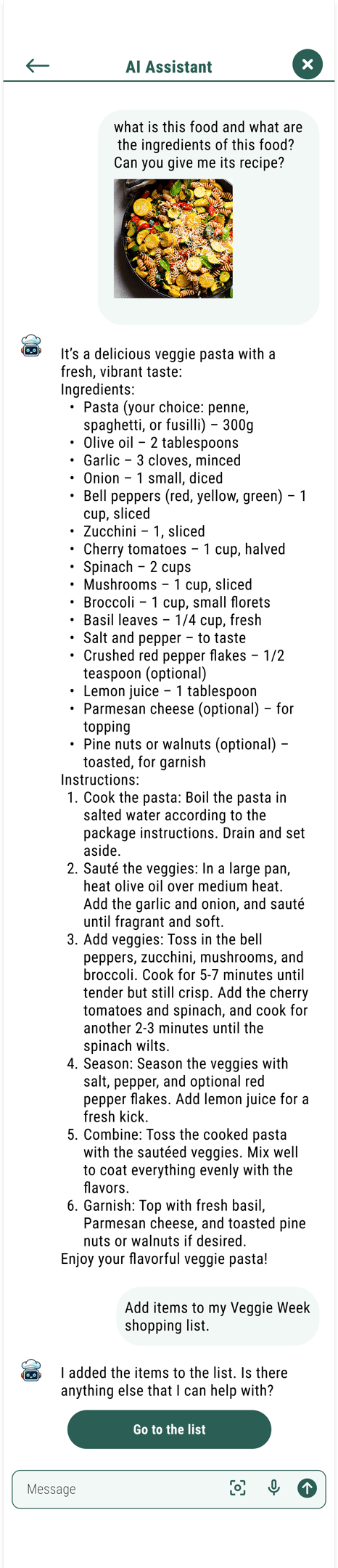
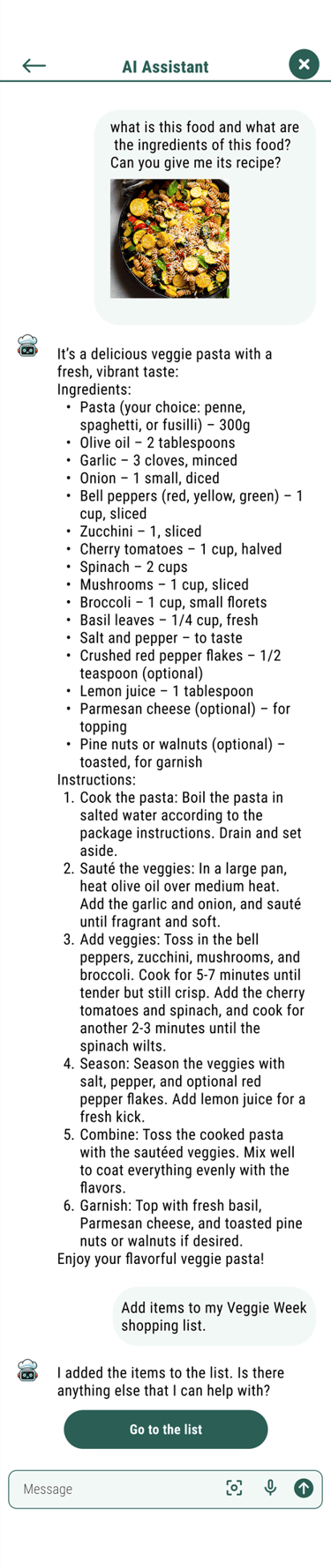
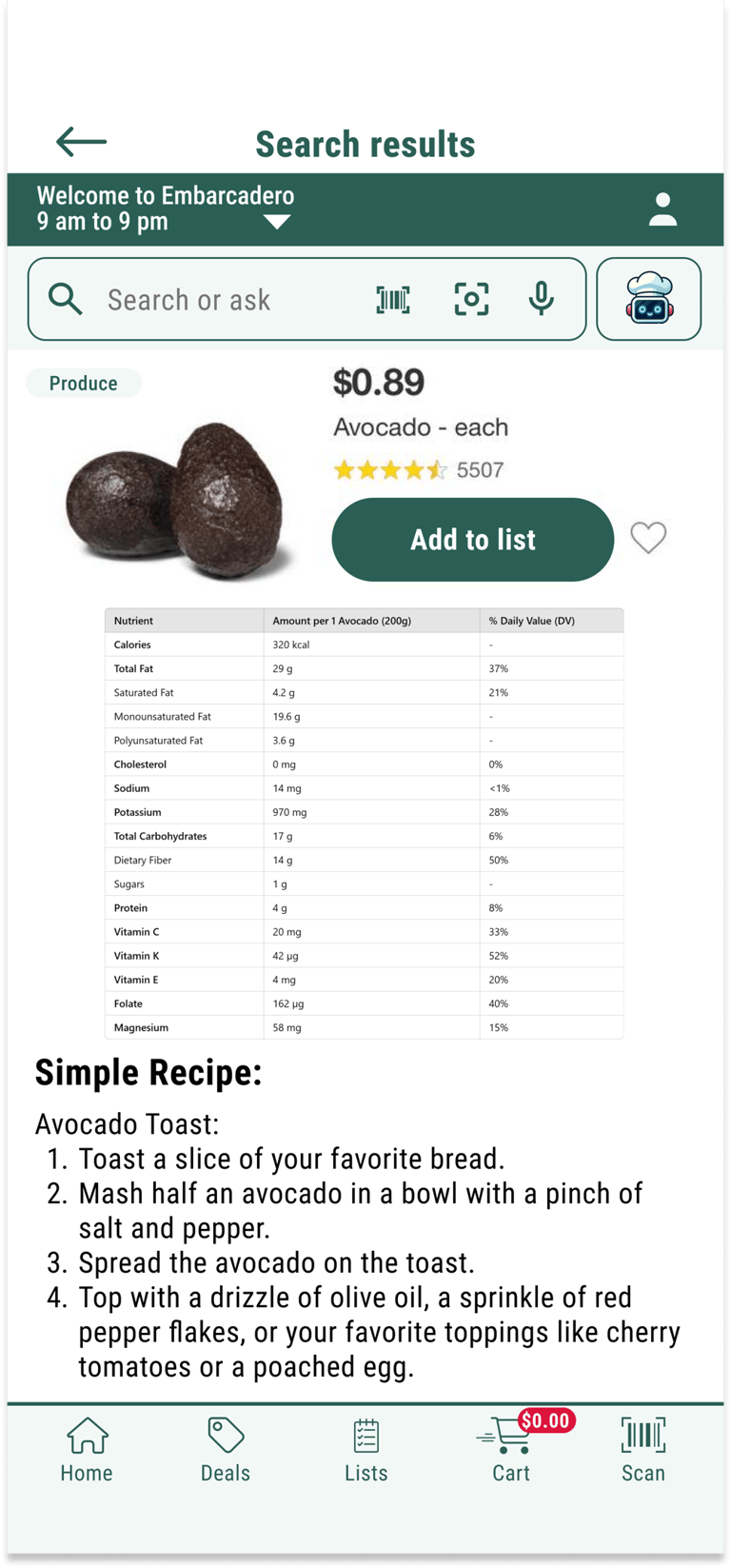
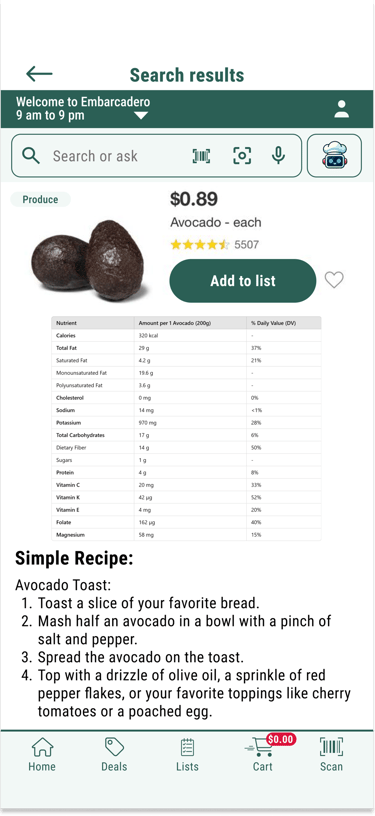
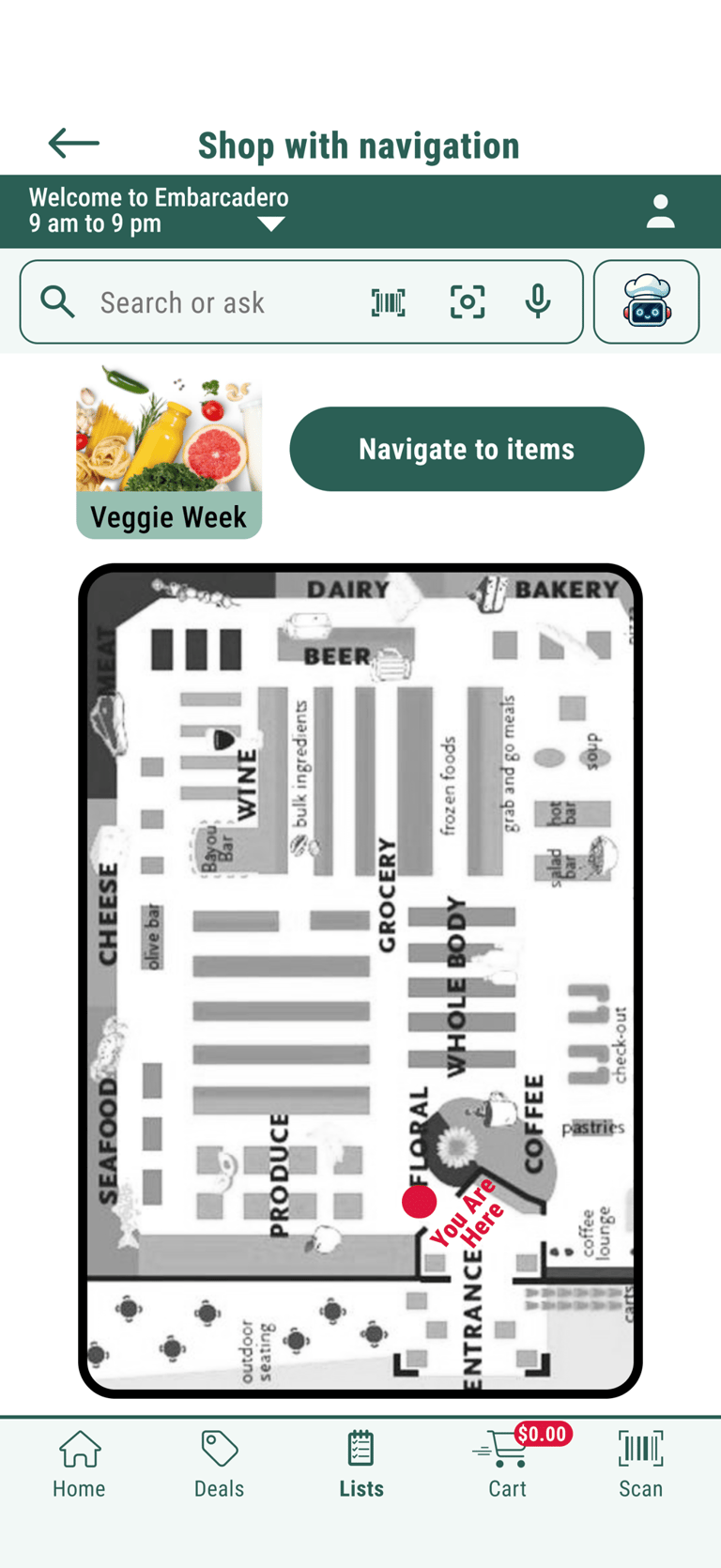
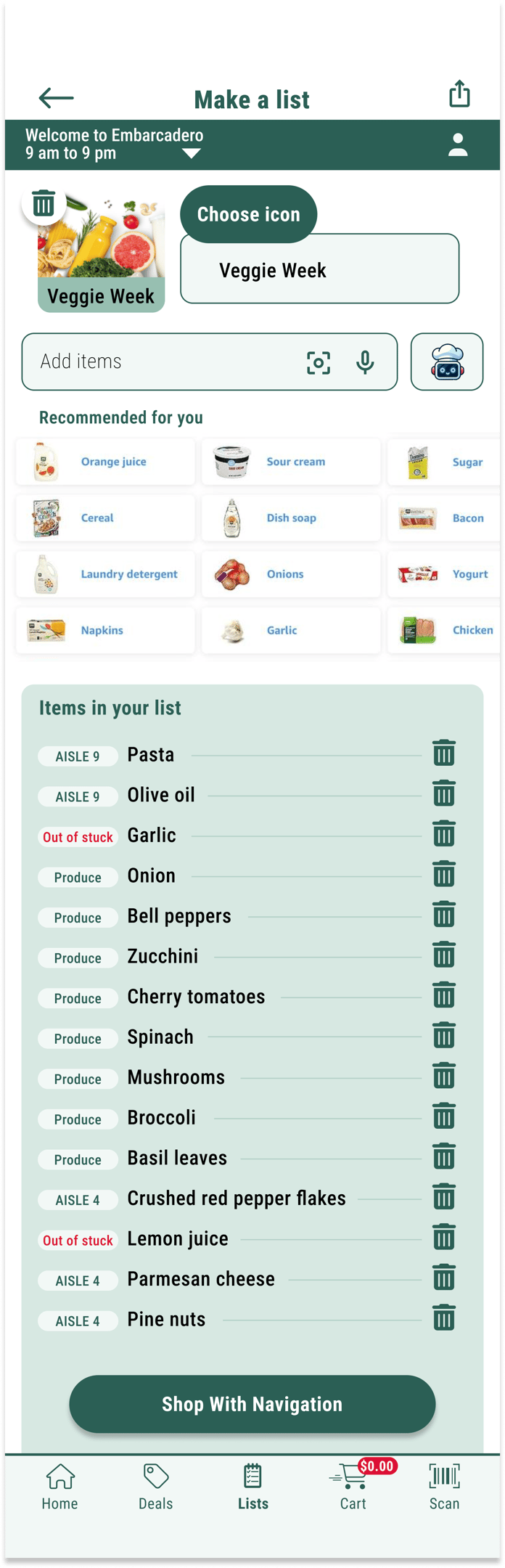
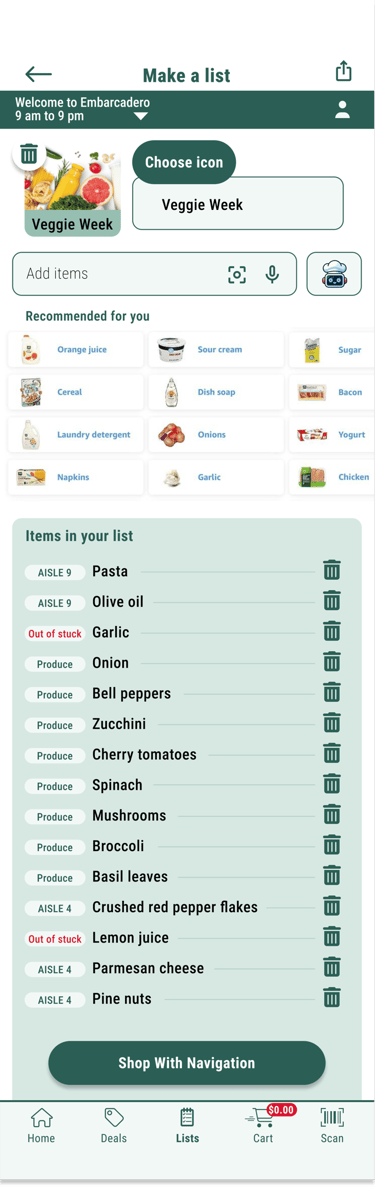


Make a list
Design
High-Fidelity Prototypes:


Onboarding User
Flow 3: Returning User


Flow 2: Returning User With Unfinished Tasks
Flow 1: Onboarding User
Design
AR Navigation and Checkout Features
AR guides the shortest route to collect items.
Users scan items, then check out and pay via the app.
Multi-modal Search
Via photo (visual)
Via voice (audio)
Via barcode scanning
Via keyword
AI assistant (interactive multi modal)
Personalized Deals
Deals adapt to user preferences and habits.


Key Features:
Design
AR glasses app extension
Expanded the app to AR glasses for hands-free scanning and in-store navigation.
Enabled quick item scanning, cart additions, and guided navigation with AR triangles.
Allowed seamless switching to the mobile app for checkout, enhancing convenience and usability.



Design
Test & Iteration
Conducted 5 rounds of usability testing with iterative improvements
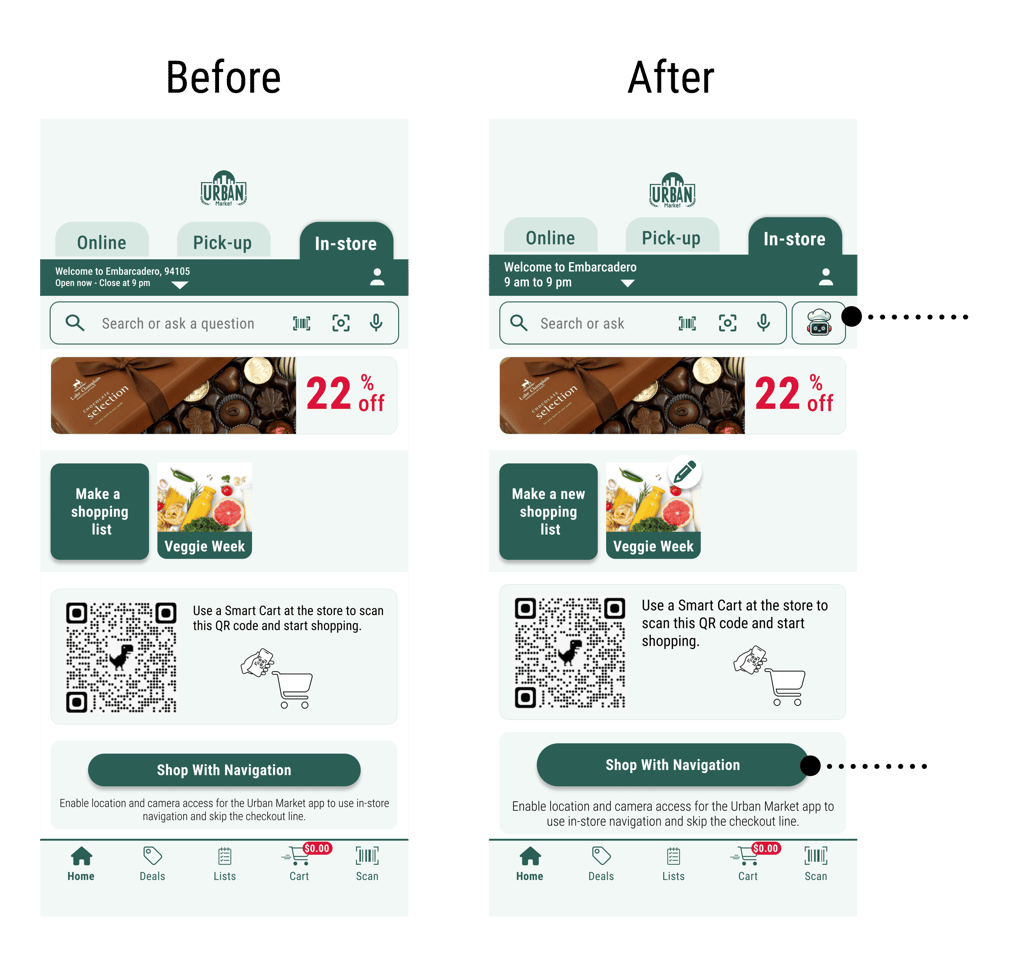
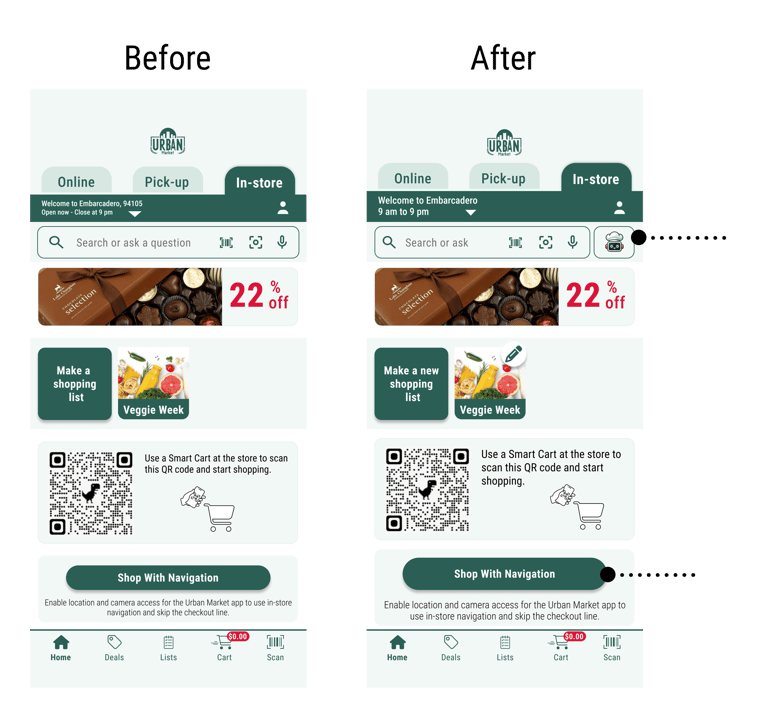

I added a dedicated button for the AI assistant, branded as "ChefBot," to make it more accessible and prominently positioned for user convenience.
I increased the button height to improve its accessibility and usability and make it easier for users to click.


Outcomes
The success of the design can be summarized as:
Increased efficiency
Positive user feedback on AR navigation and AI assistant (i.e., Chefbot)
Prototype simulates full shopping journey
Scalable to other retail stores (e.g., Walmart, Target, Instacart)



Conducting A/B testing to evaluate design effectiveness.
Collaborating with stakeholders to review and gather feedback on the design.
Preparing detailed documentation and assets for engineering handoff to ensure smooth implementation.
Next Steps




Elham Sepehrjou
Let's make a UXciting future!
UI | UX | Product Designer